


 SPARK Website
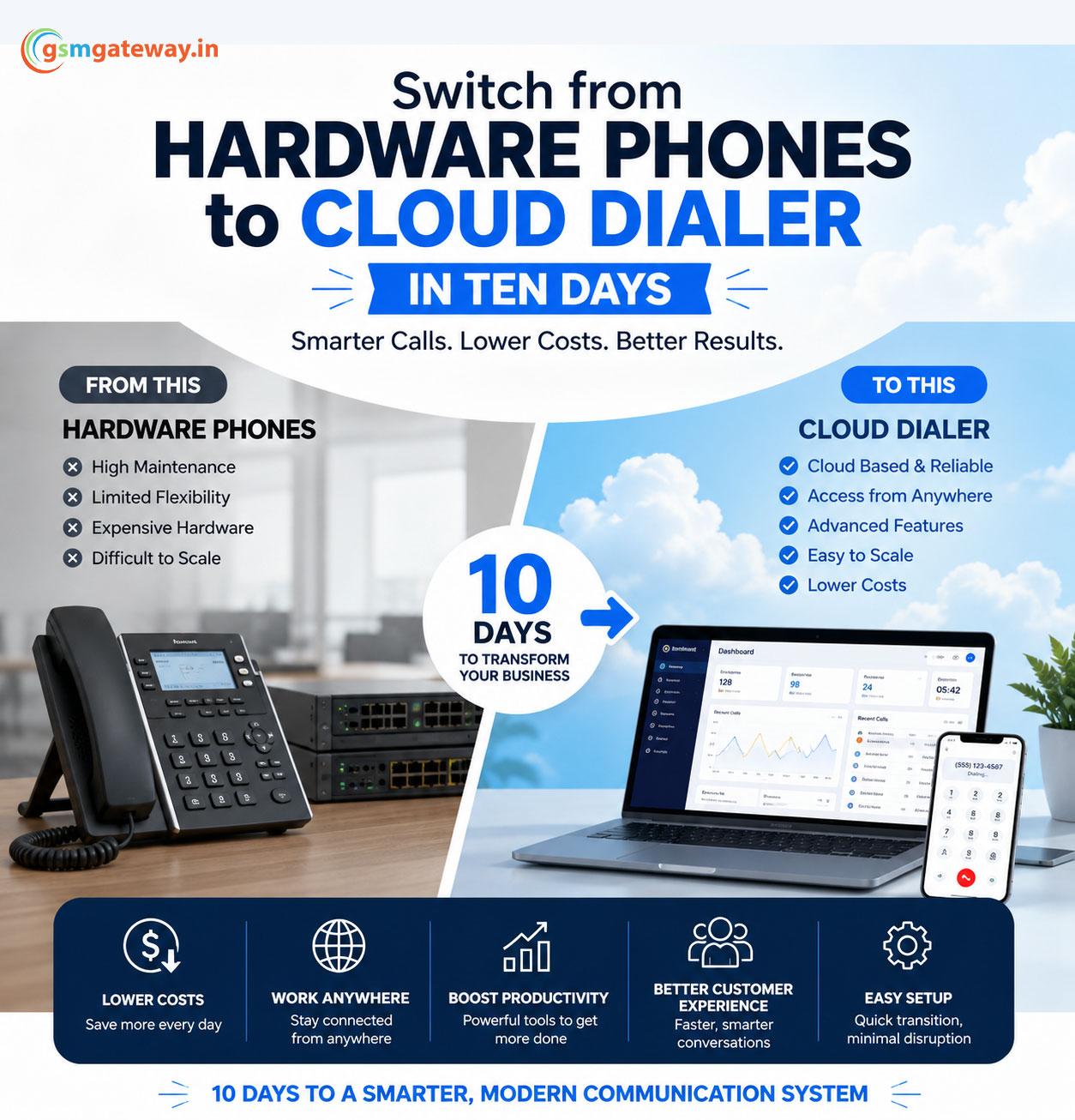
How to Switch from Hardware Phones to a Cloud Dialer in ten days.
How to Switch from Hardware Phones to a Cloud Dialer in ten days.
Today’s businesses require flexible, affordable, and manageable communication platforms. The foundation of office communication used to be traditional hardware phones, but these devices sometimes have significant maintenance costs, little scalability, and difficult setup procedures. For this reason, a lot of businesses are increasingly switching to cloud dialer solutions.
The good news is that moving from hardware phones to cloud dialers doesn’t have to be difficult or time-consuming. Most businesses can finish the move in ten days if they plan beforehand. A cloud dialer may boost productivity, remote accessibility, and call management virtually instantly, regardless of the size of your sales department or support staff.
Why Businesses Are Moving to Cloud Dialers
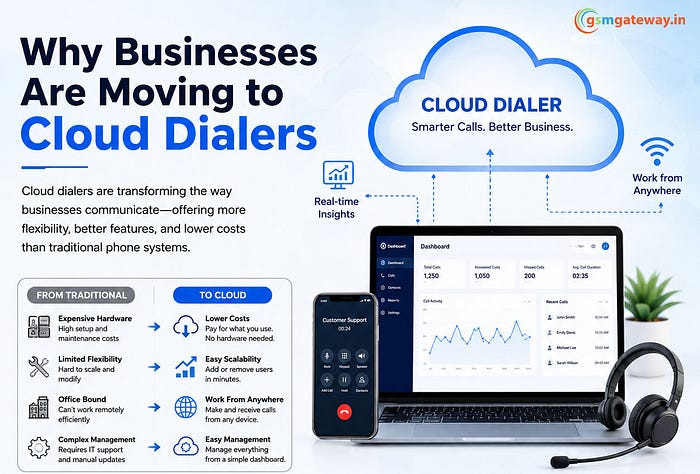
Physical infrastructure, including desk phones, PBX devices, wiring, and on-site maintenance, is a major component of traditional phone systems. Over time, this configuration may become costly and challenging to upgrade.
By contrast, a cloud dialer operates via the internet. Without depend on heavy hardware, employees can use laptops, mobile devices, or softphones to make and receive calls. usually these features include call recording, IVR, auto dialer, CRM integration, analytics, and remote access.
For instance, a cloud-based dialler makes it simple for a sales team with remote workers to link their complete team without the need to purchase additional office equipment. With the rise in popularity of remote and hybrid work models, this flexibility became extremely valuable.
Day 1–2: Assess Your Current Phone System
Understanding your current communication system is the first step. Give every phone that is currently in use, along with any extensions, internet connections, and calling needs.
Ask questions such as:
- How many users need access?
- Do you need IVR or call routing?
- Which departments handle the most calls?
- Are CRM integrations required?
It helps to identify the features that your new cloud dialer needs to have. Additionally, it avoids wasting money on skills that your company might not require.
Learn More: Why Call Center Software Beats Old Phone Systems
Day 3–4: Choose the Right Cloud Dialer Provider
Not all cloud dialer providers offer the same quality of service. Look for a provider that offers:
- Easy scalability
- Call recording
- Auto dialer features
- CRM integration
- Real-time analytics
- Strong customer support
- High call quality
To make move easier, a trustworthy supplier should also give welcome support. Cloud dialers are generally preferred by businesses because they provide complex communication features without requiring costly hardware maintenance.
Day 5–6: Configure the System
Once the provider is selected, the setup process begins. This stage includes:
- Creating user accounts
- Assigning extensions
- Setting up IVR menus
- Configuring call routing
- Uploading contact lists
- Integrating CRM software
The fact that cloud dialers may typically be configured via simple web interface is one of their main advantages. In contrast to conventional PBX systems, no technical wire or physical installation are required.
Day 7: Train Your Team
Use of technology is helped when staff members know how to use the system correctly. Thankfully, the majority of cloud diallers feature simple user interfaces, which make training quite easy.
A single training session often covers:
- Making and receiving calls
- Using softphones
- Accessing call recordings
- Managing contacts
- Viewing reports
Because cloud dialers make many regular tasks simpler, sales and support teams typically adapt fast. The freedom to operate from any location without a desk phone is also liked by remote workers.
Day 8–9: Test Everything Thoroughly
Before going fully live, conduct complete testing across departments. Test:
- Incoming and outgoing calls
- IVR functionality
- Call transfers
- Audio quality
- CRM syncing
- Call recording features
Testing help in finding problems before consumers encounter them. At this point, getting employee input is also helpful. The user experience can be greatly improved by making minor changes to call routing or interface settings.
Day 10: Go Live with the Cloud Dialer
Your company is prepared to completely transition from hardware phones to the cloud dialer System following successful testing.
Since there is no costly hardware change, the move day typically goes more smoothly than many firms anticipate. Managers have rapid access to data and analytics, and employees may start making calls using their devices right away.
Businesses often notice improvements quickly, including:
- Lower communication costs
- Better remote collaboration
- Faster customer response times
- Easier scalability
- Reduced maintenance expenses
Conclusion
With the correct approach and preparation, switching from hardware phones to cloud diallers in 10 days is totally doable. Businesses can update their communication systems without significant disruption by checking their needs, choosing the best provider, carefully designing the system, and providing personnel with the proper training.
There is much more to cloud diallers than just internet calling. They offer scalability, superior analytics, mobility, and flexibility that are frequently unmatched by conventional hardware solutions. Using a cloud-based communication solution is becoming more and more important as companies accept a digital transformation.
Read Also: Introduction to GSM Gateway and Asterisk Integration

 English