


 SPARK Website
From Tile to Perfect Repeat: How to Create Seamless Textures in Photoshop for Property Photos
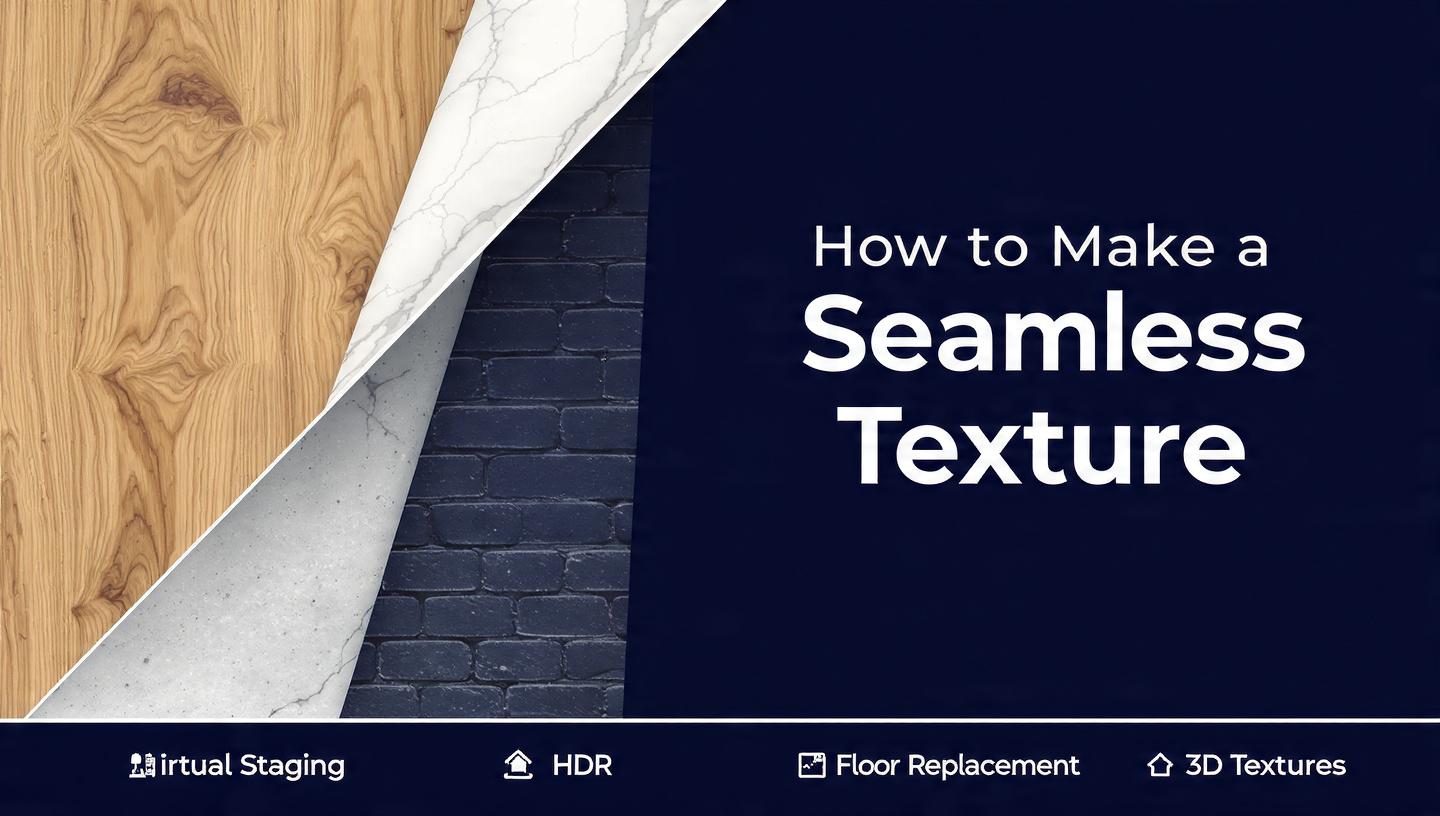
Seamless textures are the quiet heroes behind every polished real estate render, website background, and 3D visualization. When a brick wall tiles across a virtual staging scene without a visible line, or a wood floor repeats under a wide-angle living room shot, nobody notices the work. They just feel the space is real. That invisibility is the goal, and Photoshop gives you several reliable ways to get there.
This is a complete, studio-tested workflow. You will learn the classic Offset method, the live Pattern Preview workflow introduced in recent Photoshop versions, and how Generative Fill changes the cleanup phase. I will also show you how we apply these steps day to day at PixelShouters, a real estate photo editing company that builds seamless surfaces for agents, architects, and virtual staging teams.
Why seamless matters more in real estate
Real estate imagery lives or dies on believability. A listing photo with a repeating hardwood floor that shows a dark seam every 512 pixels breaks trust instantly. Virtual staging, twilight conversions, and CGI floor plans all rely on tileable materials because:
- You never know the final crop. A 4000 px wide panorama might need that same oak texture to cover 12 feet of floor.
- MLS compression punishes seams. JPEG artifacts love high-contrast edges.
- Consistency across a set matters. The same marble backsplash should look identical in kitchen, bathroom, and 3D tour.
At PixelShouters we process thousands of property images monthly, and about 30 percent of our retouching tickets involve building or fixing a seamless surface: cleaning a stained carpet for a rental, extending a small tile sample into a full bathroom wall, or creating a neutral concrete for a developer's brochure. The technique is the same whether you are a solo agent or a studio.
Before you start: source and setup
A good seamless texture starts before Photoshop.
- Shoot flat, even light. Use a tripod, 50mm or longer, f/8, and avoid direct sun. For walls, stand square to the surface to minimize perspective.
- Capture more than you need. A 2000 x 2000 px source gives you room to crop, offset, and heal without upscaling.
- Work non-destructively. Convert your layer to a Smart Object, keep adjustment layers separate, and save a PSD master.
- Check color space. sRGB for web listings, Adobe RGB for print brochures. Keep it consistent.
Tools you will use constantly: Clone Stamp (S), Healing Brush (J), Spot Healing, Rectangular Marquee (M), Offset filter, Pattern Preview, Levels, Hue/Saturation.
Method 1: the classic Offset workflow (works in every Photoshop)
This is still the backbone. It forces seams into the center where you can see them.
Step by step
- Open your texture, crop to a square if possible. Even dimensions tile cleaner. Duplicate the background.
- Go to Filter > Other > Offset. Set Horizontal to half the width, Vertical to half the height, and choose Wrap Around. You will now see a cross-shaped seam in the middle.
- Zoom to 100 percent. Use Clone Stamp at 30-50 percent hardness, sample nearby texture (Alt-click), and paint over the cross. Work along the grain of wood, grout lines, or fabric weave. Avoid creating new repeating blobs.
- For large color shifts, add a Levels or Curves adjustment layer clipped to your texture. In real estate stone or stucco, dark edges are common. We often brighten edges selectively, similar to the stone wall example where a Levels layer in Screen mode is painted only on dark edges.
- Offset again, this time with different values (try 25 percent shifts). New seams appear. Clean them. Repeat twice.
- When the center is clean, go to Edit > Define Pattern. Name it descriptively: "WhiteOak_2K_Seamless_v1".
This method teaches you to see. You learn where the eye catches repetition, which is invaluable for real estate floors where planks must stagger naturally.
Method 2: Pattern Preview, the live feedback loop
Since Photoshop 2021, Pattern Preview lives under View > Pattern Preview. It tiles your canvas in real time, so you are not guessing.
How we use it at PixelShouters
- Activate Pattern Preview. Your single tile instantly repeats 3x3 around it. Zoom out with Alt + scroll to see the full grid.
- Keep Offset handy. Even with preview on, use Filter > Other > Offset to push seams to the center. The preview updates live as you heal.
- Paint with context. With a stucco wall for a Miami condo, we noticed dark corners repeating. We created a Levels adjustment, set it to Screen, inverted the mask (Ctrl+I), then painted white at 50 percent flow over just the corners. Because Pattern Preview was on, every tile updated together, so we could judge uniformity instantly.
- Balance tone in grayscale. Add a temporary Hue/Saturation layer, set Saturation to -100. This reveals luminance banding you miss in color. Fix with dodging or a Curves layer in Multiply mode painted selectively.
- Turn off the grayscale layer, toggle preview off and on, and define the pattern.
Pattern Preview cuts our cleanup time by about 40 percent for large walls because you stop the offset-check-offset loop.
Method 3: Generative Fill for impossible seams
For organic textures like wrinkled paper, old concrete, or heavily veined marble, manual cloning can look stamped. Generative Fill changes the game.
After offsetting, select the seam with Rectangular Marquee, expand selection by 20-30 px to include context, then choose Generative Fill with no prompt. Photoshop blends edges automatically and offers variations. Pick the one that matches grain direction, merge down, and re-check with another offset pass.
We use this at PixelShouters for two real estate scenarios:
- Extending a tiny tile sample. A client sends a 600 px swatch of Calacatta marble. We tile it, offset, and let Generative Fill invent the veining across the seam. Then we manually break up any repeating vein with Clone Stamp.
- Cleaning rental carpets. Stains and furniture dents create dark patches that repeat horribly. We offset, generative-fill the worst spots, then add noise (1-1.5 percent monochromatic) to restore texture.
Caution: do not rely on Generative Fill alone for geometric patterns like herringbone or subway tile. It will invent crooked grout. Use it for the base, then reconstruct lines manually.
Putting it together: a real estate floor workflow
Here is the exact sequence our editors at PixelShouters follow for a seamless wood floor, the most requested texture in virtual staging.
- Source correction. Open RAW, lens correct, straighten. Crop to a section with 4-6 full planks, no reflections.
- Perspective fix. Use Perspective Crop to square the boards, as you would with a fence pattern correction.
- Base tile. Duplicate, Offset 50 percent, heal the cross.
- Pattern Preview on. Check for brightness falloff at edges. Add Levels in Screen mode, mask and paint edges.
- Break repetition. Duplicate the pattern fill twice in a test document. Set top layer to Multiply at 30 percent opacity and scale to 150 percent. This layered variation mimics natural light variation and hides tiling, a trick we use in every living room render.
- Color harmony. For oak that shifts yellow to orange across planks, add Hue/Saturation, target Yellows, shift Hue +5 to +8 to unify.
- Define and export. Edit > Define Pattern, then also Export As PNG and JPG at 2048 px and 4096 px. Name with usage: "PixelShouters_OakNatural_4K_Seamless".
This file goes into our internal library, tagged for "flooring, warm, residential, virtual staging." When an agent in Delhi needs a vacant 2BHK staged in 24 hours, the editor does not rebuild the floor, they pull the approved seamless.
Advanced cleanup techniques that matter
Frequency separation for walls
Split texture into color and detail. Duplicate twice, blur low frequency at 8-12 px, set high frequency to Linear Light. Heal color blotches on low, clone pores on high. Perfect for painted drywall where you need to remove scuffs without losing grain.
Remove Tool for distractors
After your main seam is gone, turn off Pattern Preview and run the Remove Tool over standout knots, scratches, or unique stains. In real estate, one dark knot repeating every tile screams fake. Remove three or four per tile.
Test at multiple scales
Define the pattern, create a new 6000 x 4000 px document (typical MLS hero size), fill with Pattern Fill layer. Set scale to 50 percent, 100 percent, 150 percent. Look for moiré or obvious repeats. Adjust.
Add subtle variation overlay
Create a 1024 px Clouds render (Filter > Render > Clouds), define as pattern, overlay on your texture at 8-12 percent opacity in Overlay mode. This breaks perfect uniformity, especially useful for concrete and stucco in bright Indian sunlight where flat color looks CGI.
Common mistakes and fixes
- Hard clone edges. Lower hardness to 20-30 percent, sample often, and work at 200 percent zoom.
- Ignoring edges after first offset. Always do a second offset at odd values. Residual seams hide until you shift again.
- Color shifts across tiles. Use the grayscale Hue/Saturation trick to see luminance only, then balance.
- Over-sharpening. Seamless textures for real estate should be slightly soft. MLS compression sharpens anyway.
- Saving only as PAT. Also keep a layered PSD and a flat PNG. PAT files are convenient, but clients often need a flat tile.
How PixelShouters integrates this into real estate editing
We are not just making pretty tiles. At PixelShouters, seamless texture creation sits inside a larger pipeline: HDR blending, perspective correction, sky replacement, and virtual furniture placement. When a realtor uploads a vacant flat, we:
- Correct the base photo for verticals and exposure.
- Identify surfaces needing replacement (damaged flooring, stained walls).
- Pull from our 400+ pre-approved seamless library, or build a new one in under 20 minutes using the Pattern Preview + Generative Fill workflow described above.
- Apply the pattern with vanishing point or 3D plane warp so the scale matches real-world dimensions.
- Add shadows, ambient occlusion, and the subtle cloud overlay to avoid that plastic CGI look.
Because we build textures in-house, we control licensing, color accuracy, and repeatability. No more downloading random wood floors that tile poorly on a 4K tour.
If you are an agent or photographer, you do not need to master every step. Send us the source swatch or even a phone photo of the material, and we return a fully tileable 2K/4K set ready for Photoshop, 3ds Max, or your virtual staging app.
Export checklist for different uses
- Web listings / MLS: JPG, 2048 px, sRGB, quality 80, slight noise added to prevent banding.
- Virtual tours (Matterport, Kuula): PNG, 4096 px, seamless, no sharpening.
- Print brochures: TIFF, 300 dpi, Adobe RGB, include 2x scale version.
- 3D / CGI: Base color PNG + normal map generated in Substance or Photoshop 3D filters.
Always keep the master PSD with all adjustment layers grouped and labeled. At PixelShouters we name groups "BRIGHTNESS_FIX" and "SEAM_CLEAN" so any editor can revisit six months later.
Final practice project
Take a photo of your own wall or floor today. Do not overthink it.
- Crop to 1500 x 1500.
- Turn on Pattern Preview.
- Offset 50 percent.
- Heal the cross, use Generative Fill on the worst seam.
- Check in grayscale, fix luminance.
- Define pattern, fill a large canvas, and look for repeats.
Do this three times this week and you will start seeing seams before they happen. That is the real skill.
Seamless work is invisible work, and in real estate, invisibility sells homes. Whether you are building a library for your own listings or you want a studio to handle it, the process is the same: offset, observe, clean, test. At PixelShouters we have just systematized it so you can focus on shooting and selling, not cloning grout lines at midnight.
Want me to turn one of your own textures seamless next? Upload the source and I will walk through the exact offsets and masks for that material.

 عربي
عربي