


 SPARK Website
Safe Browsing Practices for Onion Sites
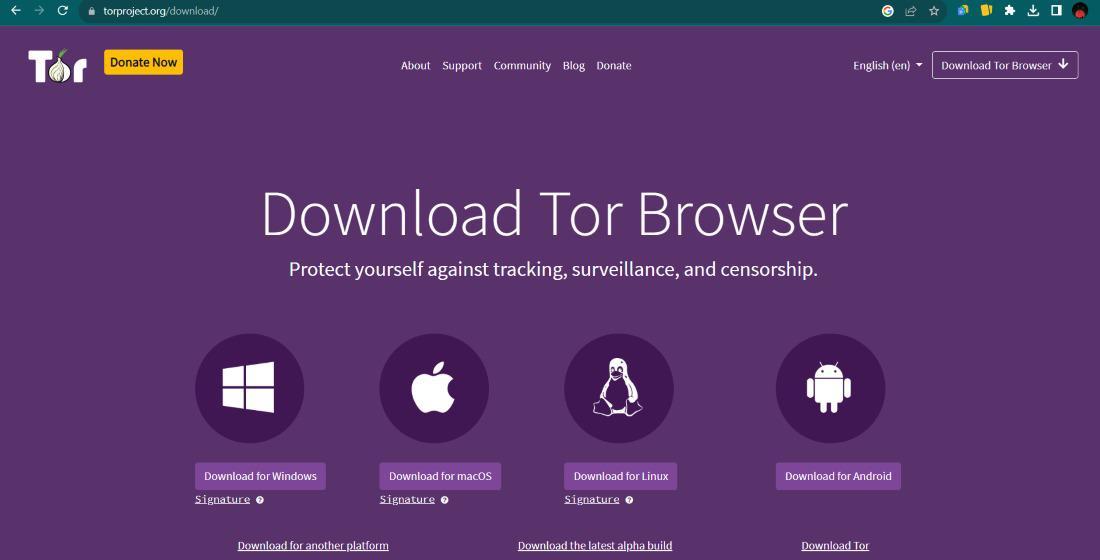
Did you know that the "dark web" is actually much smaller than the regular internet but it carries a significantly higher risk for the average person who navigates it without a plan? Many people think that simply downloading a specific browser makes them invisible - this is a mistake that leads to data leaks and hardware infections. Staying safe while exploring onion services requires you to change how you interact with your computer and the internet at large.
Safe navigation is about layers of protection rather than a single tool. When you access these sites, you are entering a space where traditional search engine filters and safety ratings do not exist. You are responsible for your own security. By following a few disciplined habits, you can view content and communicate without exposing your identity or your private files to malicious actors who wait for easy targets.
Understanding the Tor Network Basics
The system that runs onion sites works - bouncing your connection through three different volunteer servers around the world - this process hides your IP address, which is the digital home address of your internet connection. Because of this triple layer encryption, your internet service provider can see that you are using a privacy network but they cannot see the specific pages you visit or the data you send.
Onion addresses look like a long string of random letters and numbers ending in ".onion" - these are not registered with central authorities like ".com" addresses are, which means anyone can create one, which is why you must be cautious. You should treat every new link as a potential risk until you confirm it comes from a trustworthy source. Reliability is hard to find in an unindexed environment.
Core principles of the network
- Encryption happens automatically between your device and the destination.
- Connection speeds are slower because data travels a long path.
- Exit nodes are the final point of contact for regular sites but onion sites stay within the network.
Configuring Your Browser for Maximum Privacy
Your browser is the primary gatekeeper between your data and the sites you visit. Many people leave their settings on "Standard" but for onion sites, this is often insufficient. You should move your security slider to the "Safer" or "Safest" setting - this disables features like JavaScript on non encrypted sites and prevents certain types of fonts or icons from loading, which helps stop "browser fingerprinting"
Fingerprinting is a technique where a website gathers small details about your computer, like your screen resolution and battery level, to create a unique ID for you. To combat this, you should never maximize your browser window. Keeping the window at its default size ensures your screen dimensions look the same as thousands of other users - this makes it much harder for a site to pick you out from the crowd.
Avoid installing extra plugins or extensions in your privacy browser. Even well known extensions can sometimes leak your real IP address or create a unique signature that follows you across different sessions. Stick to the tools that come pre installed - these are specifically vetted to ensure they do not compromise the core goal of remaining anonymous while you move between different digital spaces.
Verifying Onion Links Before You Click
Finding your way around can be difficult because there is no "Google" for onion sites that filters out scams. Many links you find on public forums are "phishing" links - these are fake versions of real sites designed to steal your login details or digital currency. You should always verify a link through multiple independent sources before entering any sensitive information.
One way to stay organized is to use a comprehensive index of onion services that other users have checked for uptime and safety. Relying on a curated list is generally much safer than clicking random links found in chat rooms. If a site asks you to download a file or install a "codec" to view a video, close the tab immediately - these are almost always attempts to put malware on your device.
How to check a link
- Compare the character string against a known good list.
- Look for "HTTPS" even on onion sites for an extra layer of security.
- Check community forums to see if the site has a reputation for being a scam.
Physical Security & Operational Habits
True privacy involves more than just software - it involves your physical environment. If you are looking at sensitive information, be aware of "shoulder surfing" where individuals or cameras might see your screen. You should never use your real name, email or any username that you use on regular social media. Create entirely new identities for your private browsing sessions.
It is also a good idea to cover your webcam with a piece of tape or a slider. Some advanced malware can activate cameras without turning on the indicator light. While the browser protects your network data, it cannot stop a physical compromise if you are careless with your surroundings. Treat your private browsing as a separate life that does not overlap with your daily digital activities.
Many experienced users find it helpful to look at a dark web directory for onion sites to find legitimate services for email or file storage. By using services that are known to the community, you lower the chance of stumbling into a malicious trap. Always remember to log out of accounts and close your browser completely when you are finished to clear the temporary memory.
Overcoming Connection Blocks with Bridges
In some regions, internet providers or governments try to block access to privacy networks. They do this - identifying the "nodes" or entry points of the network. If you find that you cannot connect, you may need to use a "bridge" Bridges are secret entry points that are not listed in the public directory, making them much harder to block.
Using a bridge makes your traffic look like regular web traffic or random noise, which bypasses simple filters - this is an essential tool for people living in places with heavy censorship. You can request these bridges within your browser settings or through certain email services. Staying connected is the first step to maintaining your digital freedom in restrictive environments.
For those who are having trouble with their connection, learning about effective bridge configurations can help you stay online - these tools ensure that your right to private information is not restricted by your geographic location. Once you have a stable and hidden connection, you can navigate the onion space with much more confidence.
FAQ
Is it illegal to browse onion sites?
In most countries, it is perfectly legal to use the Tor network and visit onion sites. The network is used by journalists, activists and everyday people who want more privacy. The things you do on those sites are still subject to the law. Illegal actions are still illegal, regardless of which browser you use.
Can I get a virus from just visiting a site?
While it is less common if your security settings are high, it is possible. Malicious sites can use "zero-day" exploits to target your browser - this is why you should keep your software updated and keep the security slider on the "Safest" setting to disable the scripts that viruses often use to spread.
Do I need a VPN to use onion sites?
You do not strictly need a VPN, as the network provides its own encryption. Some individuals use a VPN to hide from their internet provider that they are using a privacy network. If you choose to use both, connect to the VPN first and then open your privacy browser - this provides a different layer of masking for your connection habits.
How do I know if a link is a scam?
There is no 100 % certain way but red flags include sites that ask for money upfront, sites with lots of broken links or addresses that are slightly different from a famous site's address. Use trusted directories and never give away your private keys or passwords to any service you do not fully trust.

 English